Log in Registration

22Bet App New Zealand | Android APK, iPhone & Mobile Site

22Bet on your phone: Android and iPhone installation, mobile-site differences, device requirements, account security and the rules affecting New Zealand.

Join Now
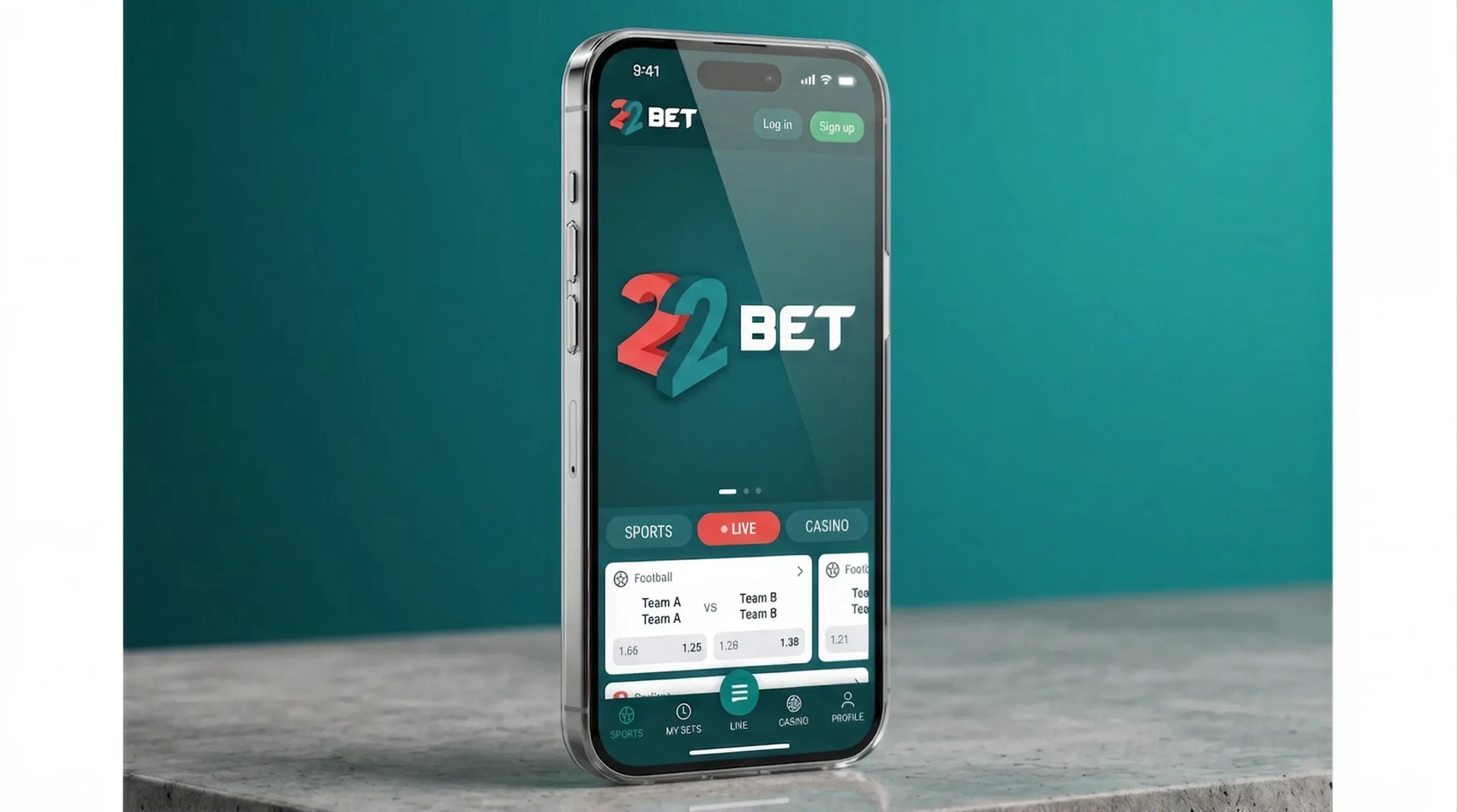
The 22Bet app open on a phone

The 22Bet app in New Zealand: browser or app

My phone has enough apps asking for attention. Before giving another one a place, I want to know what it adds — and with 22Bet, opening the mobile site already gets you the sportsbook, casino and account. For an occasional visit, a browser tab may be quite enough. Close it afterwards and there’s one less icon staring at you.

I like the app, especially for live betting, but installing it should solve something for you. Faster tapping during a match? Notifications while you’re doing something else? Those are reasons. Habitually downloading whatever a site puts in front of you is a weaker one. Android and iPhone also take different installation routes, which is where an otherwise short job can become needlessly fiddly.

22Bet lists a Curaçao licence and Kahnawake permit. Those approvals carry no New Zealand authorisation. Since 28 June 2025, only TAB NZ and its brands may provide sports and racing betting to customers here. Casino rules change on 1 December 2026. Before playing, make sure the operator’s status allows it. You’re responsible for following local law, and anyone under 18 is below the site’s age limit.

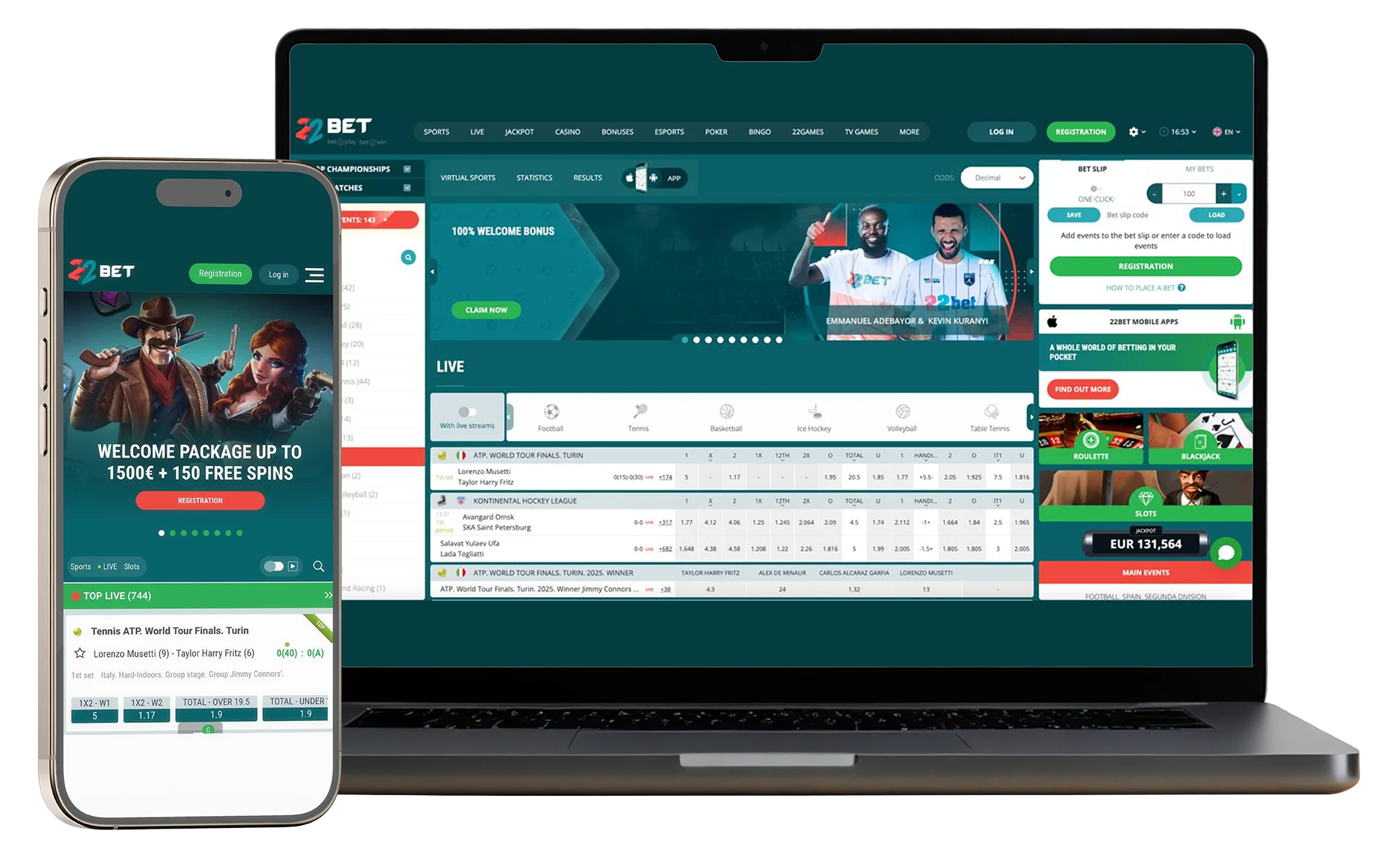
The 22Bet mobile site open on a phone and a laptop

Using 22Bet in your phone's browser

The browser gets my vote when storage is tight or I simply want to open the account and get on with it. Type in the site address, log in, and the sport, casino and account are there as they are on a laptop. Nothing to install or update. On a phone used for everything else in New Zealand, that can be a welcome bit of restraint.

You still get the full set of functions: sportsbook markets, live-dealer tables, thousands of slots, deposits and withdrawals. The browser is another way into the same account, with the same balance. I can see why people stay with it for years — there’s little pressure to change if it already does the job they came for.

What would make me install the app instead? Notifications and that small speed difference during a live bet. The browser can’t alert me while I’m looking elsewhere, and it’s a touch slower when placing a quick in-play wager. If those two things barely feature in your sessions, the download can wait. My home screen has enough tenants.

Join Now

Installing the 22Bet app: two very different routes

The phone decides the route — Android uses a file from the official site, while iPhone uses the App Store. Trying the other route is where people waste time. Before installing in New Zealand, confirm that the relevant download or store listing is available to you. With that sorted, the actual installation is a short job.

On Android

Looking in Google Play can send you round in circles. In many regions, gambling-app restrictions mean the Android download comes directly from 22Bet instead. It’s an APK file — which sounds more involved than tapping a store button, though the phone does most of the work once you’ve opened it.

  1. Open the official 22Bet site in your browser and go to the mobile apps section — the Android download is there, and tapping it drops a 22Bet.apk file into your downloads.
  2. Tap that file to start. Your phone will pause and ask permission to install from unknown sources — say yes for this one file. The prompt usually appears on its own, or it is under Settings, Security.
  3. Let the prompts run and the app installs itself, ready on your home screen.
  4. Open it, sign in or sign up, and you are away.
The 22Bet app being installed on an Android phone
Download the
android app

The file’s origin is the bit I take seriously. Use the official 22Bet site, with no detour through somebody else’s download page. That permission allows an installation outside the store, so the file matters more than the reassuring wording beside a download button. Once installed, you can switch the permission off again and keep using the app. Android updates follow the same route: fetch the latest file from the official site. A little housekeeping, admittedly.

On iPhone or iPad

Apple’s route is more familiar. Use the App Store listing where it’s available — in the New Zealand store region, look at availability before expecting the Get button to appear.

The 22Bet app on an iPhone
  1. Search 22Bet in the App Store, and before you tap Get, check the developer is the official one — or dodge the whole question by following the App Store link straight from the 22Bet site.
  2. Tiny app, so it lands in seconds. Open it, sign in with the details you already have, done.
  3. That is genuinely it on an iPhone.
Download the
IOS app

The App Store handles updates too. You skip the permission for installations from outside the store, which makes iPhone the less hands-on option if you have both kinds of device lying around. What else is there to fiddle with? After installing and signing in, there’s little left to set up.

A 22Bet player leaping the dugout rail as the crowd erupts

What the 22Bet app adds

Live betting is where I feel the difference. The match changes late on, the price starts moving, and Quick Bet with one-thumb tapping gets the selection through quickly — potentially in a second. The browser has the same features, but the app shaves a little time off using them. If you’re following live matches regularly from New Zealand, that small difference in speed is what I’d look at.

You can leave the screen and still get alerts about price moves or short-lived promotions. To keep the app locked, use fingerprint or face access. Switching from the laptop to your phone on the bus keeps your balance and settings with you. The account comes with you.

Would I call the screen restful? Hardly. There’s plenty packed into it, just as on the site, and the smaller display can make that first session feel like reading a fixture list through a letterbox. A couple of sessions in, I know where things are. The picture on the live streams is clear and stays with the action, and I pay more attention to that during a match than to the appearance of the opening screen.

What your phone needs to run 22Bet

An older handset has a fair chance here. Games and streams arrive over the internet, leaving the app itself relatively light, so storage and loading demand less than the amount of content might suggest — handy if your phone in New Zealand has already collected a few years of photos and downloads. The requirements are modest, though updates can change them.

SystemYou needGood to know
AndroidAndroid 5.0 or newerAbout 30–50 MB free; download the APK from the official site
iPhone / iPadiOS 11 or newerStraightforward install through the App Store
InternetSteady Wi-Fi or mobile dataStreaming likes a strong signal; plain betting is happy with much less

You should be fine on a recent phone. Older handsets may struggle with live video occasionally, though placing a bet uses much less processing power. Treat the requirements as approximate because they can change. Why blame the whole handset for a stuttering stream? The connection deserves a look too — video is the hungrier part of the job.

A 22Bet footballer shielding the ball under floodlights

Keeping your account safe on your phone

Registration, deposits and the first bet can all be handled inside the app. Identity checks usually come at the first withdrawal, as on the website. For an account using New Zealand personal details, make sure the documents match. The phone camera lets you photograph your ID and proof of address and send them from the app — considerably less file shuffling.

22Bet provides an encrypted connection and account verification. The phone lock is your part. Lock the screen, and if fingerprint or face access is available in the app, switch that on as well. It takes a couple of minutes, and a missing phone is quite enough bother without leaving the betting account open as well. While everything’s working, it’s easy to keep putting that little setup job off.

Join Now
22Bet race cars battling into a corner

If the app plays up

I try the dull fixes first — they solve plenty. For a failed Android install, see whether you’ve allowed unknown sources and have enough storage. If the screen’s slow or a stream keeps stopping, try Wi-Fi. It’s often the connection. Your usual website login works in the app too; you’re signing into the same account. For an awkward Android update, get the latest file from the official page. If you’re working through those problems in New Zealand and still getting nowhere, the app’s live chat runs 24/7. At that point, I let support earn its chair.

App or mobile site: the quick comparison

The choice is narrower than it first looks — most functions are shared. What would you miss by sticking with the browser in New Zealand? The alerts, mainly, plus a little speed when you’re placing a live bet.

What you’re weighingThe appThe mobile site
Getting startedDownload from the site (Android) or App Store (iPhone)Nothing to download — just open your browser
Speed on a live betA touch quickerGood, a whisker behind
NotificationsYesNo
Fingerprint / face unlockYesNo
Offers, bonuses, bankingAll of itAll of it
Who it suitsIn-the-moment live bettorsEveryone else, and anyone just starting out

Speed and notifications together make the stronger case for installation. Someone betting live regularly may feel that difference often. An occasional visitor may scarcely notice it — and then there’s the Android update to remember next time.

Frequently asked questions

  • That's expected in many regions. The Android route is the APK on the official 22Bet site, because gambling apps face Google Play restrictions in a number of places. Looking again under a slightly different spelling will probably just lengthen the search — use the official download page.

  • Get the APK from 22Bet's own official website. Third-party downloads are the risk to avoid, and permission to install from outside the store deserves that care. Once installation finishes, turn the unknown-sources permission off again if you wish. The installed app stays available.

  • Both use one account, balance and set of promotions, subject to the same eligibility conditions. The bonuses page has the terms. Opening the account through a different door changes the screen you're using, with the offer conditions still attached — including the restrictions relevant to New Zealand.

  • On iPhone, the App Store handles updates. Android needs the latest APK from the official website installed over the existing app. If the app's been unused for a while, you may need time for an update before the match.

  • Deposits and withdrawals are available inside it, as on the site. For the shortest wait, e-wallets and crypto are usually the options to look at. You'll wait longer with cards and bank transfers, whether you're on your phone or the website.

Join Now
A 22Bet boxer in the ring under the lights

My choice between the app and browser

I like getting all the functions on an older phone, plus quicker controls for live betting. Installation takes more attention. Android uses a download from the official site and iPhone uses the App Store, which the website could explain better.

Frequent live use makes the better case for the app. If I’m only dropping in now and then, I’d open the mobile site and leave the downloads and updates alone. You get the platform’s functions either way. In New Zealand, local permission comes before that choice: an overseas sportsbook may not provide sports betting to customers here, and an installation grants no authorisation. Casino access also needs checking against the rules in force.

The phone will keep the icon within reach long after the session you planned has ended. Why leave limits until a troublesome evening? Set deposit and time limits when installing — before the convenience starts borrowing minutes from the rest of your day.

Jamie Foster

Betting & Casino Writer

Independent bettor and writer. Tested 22Bet alongside the editorial team, with no commercial tie to the operator.

Join Now
22Bet basketball players driving for the hoop

Keeping mobile play under control

A phone makes access easy to repeat. Set deposit and session limits inside the app, use play-time reminders when sessions run on, and turn to the mobile self-exclusion tools if needed. The site’s minimum age is 18, and New Zealand’s restriction on overseas sports betting still applies. When the enjoyment has gone, close it and take a break — the next market can wait. For local help, call Gambling Helpline on 0800 654 655 or text 8006.